Don't miss our holiday offer - up to 50% OFF!


Digital Alarm Clock with 10W Wireless Charger | Type-C Fast Charging | LED Display
Original price was: ₹1,700.00.₹1,489.00Current price is: ₹1,489.00.
A modern digital alarm clock with 10W wireless charging and Type-C input. Combines time display and fast charging in a sleek, space-saving design.
Extra Features
- Premium Quality
- Secure Payments
- Satisfaction Guarantee
- Worldwide Shipping
- Money Back Guarantee
Simplify your bedside setup with this smart digital alarm clock featuring built-in wireless charging.
Designed for modern convenience, it keeps your phone powered while ensuring you stay on time—perfect for a clean and clutter-free space.
━━━━━━━━━━━━━━━
⚡ 10W WIRELESS CHARGER
Fast and efficient charging for all Qi-enabled devices.
🔌 TYPE-C INPUT
Reliable and modern charging support for stable performance.
⏰ DIGITAL CLOCK DISPLAY
Clear LED display for easy time viewing day or night.
💡 BACKLIGHT FUNCTION
Soft illumination for visibility in low-light conditions.
📱 SPACE-SAVING DESIGN
Charge your phone while keeping your bedside organized.
🔔 ALARM FUNCTION
Wake up on time with a simple and reliable alarm.
━━━━━━━━━━━━━━━
🎯 PERFECT FOR:
✔ Bedside tables
✔ Office desks
✔ Modern setups
✔ Tech lovers
✔ Gifting 🎁
━━━━━━━━━━━━━━━
💡 WHY YOU’LL LOVE IT:
✔ 2-in-1 clock + charger
✔ Clean and minimal design
✔ Fast wireless charging
✔ Reduces cable clutter
━━━━━━━━━━━━━━━
⚡ Charge smarter. Live simpler.
👉 Upgrade your bedside today!
Related products
-
SALE 
Premium Wooden Table Top Organizer with Clock, Mobile Stand & Lifetime Calendar
Original price was: ₹1,250.00.₹1,050.00Current price is: ₹1,050.00. -
SALE 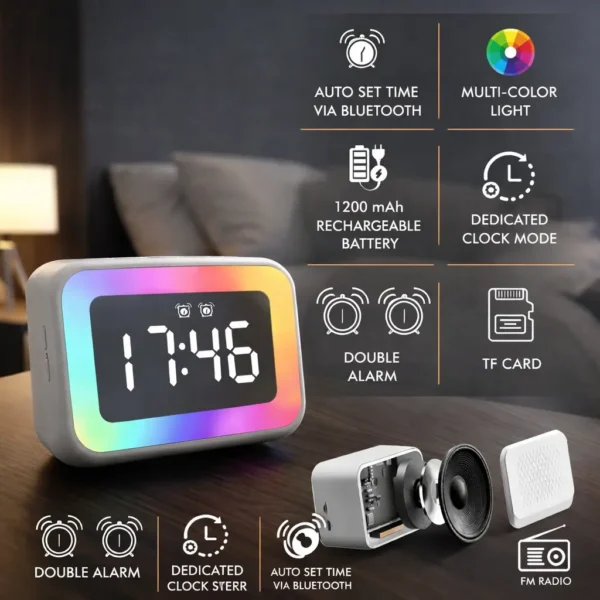
TimeWave Plus RGB Smart Clock Speaker | Mirror Display with Bluetooth, FM & TF Card
Original price was: ₹2,000.00.₹1,889.00Current price is: ₹1,889.00. -
SALE 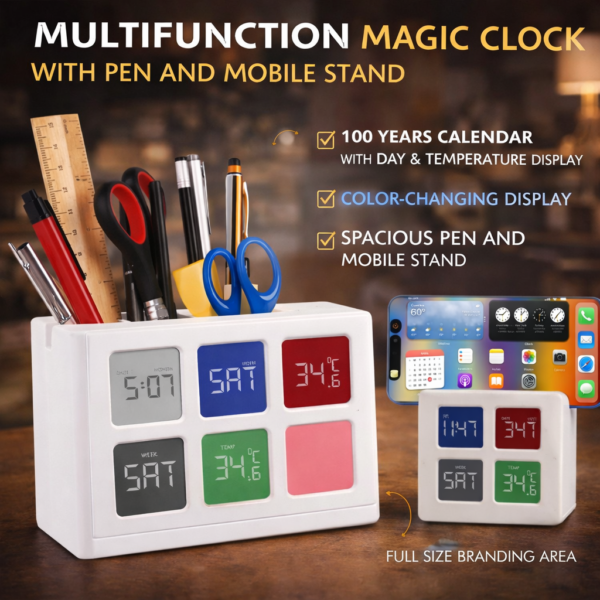
Multifunction Magic Desk Clock with RGB Display | Pen Holder & Mobile Stand Organizer
Original price was: ₹1,300.00.₹1,109.00Current price is: ₹1,109.00. -
SALE 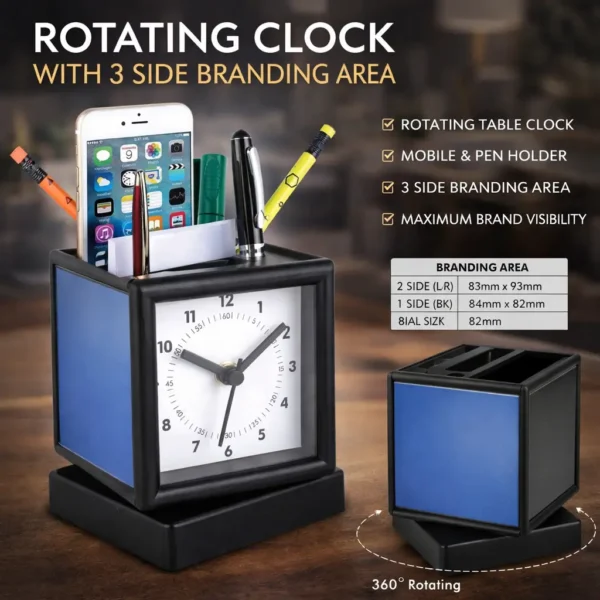
Rotating Table Clock with Triple Branding Space | Multi-Utility Pen Stand & Stationery Holder
Original price was: ₹750.00.₹500.00Current price is: ₹500.00.


Reviews
There are no reviews yet.